The short version
- Sony’s Smart Tennis Sensor app ended its server synchronisation in an update dated 26 November 2020. Sony’s support page carries a matching alert.
- The HEAD Tennis Sensor app, built by Zepp, was removed from Google Play on 13 September 2021, according to AppBrain.
- Both sensors measured the racket. Phone video measures the ball and the body, including where each shot landed and whether it was in.
- ContactFrame is our pick for most club players: one phone, iOS and Android at launch. It is not out yet, so join the list.
- SwingVision suits iPhone owners now; Apple Watch apps cover scoring; a radar covers serve speed alone.
If your Sony Smart Tennis Sensor no longer syncs, or you are hunting for an app for the HEAD Tennis Sensor that used to sit in your racket, the short answer is that both services have ended. This guide sets out what we could confirm and the best Sony Smart Tennis Sensor alternatives for club players now.
A disclosure first: we make ContactFrame, so weigh our pick accordingly. Everything we say about the other products comes from their own websites, support pages and app store listings, checked in November 2026. Prices and features change, so check before you buy.
What happened to the Sony Smart Tennis Sensor
Sony’s sensor (model SSE-TN1) screwed into the butt of compatible rackets from brands including Yonex, Wilson, Head and Prince. It recorded shot type, where the ball hit the strings, swing speed, ball speed and spin, and could sync with video on your phone. It worked with an iOS and Android app called Smart Tennis Sensor.
What we could confirm in November 2026:
- The product is discontinued.
- Sony’s support page for the sensor lists a product alert titled “Server Synchronization Function Ending”.
- The Android app’s version 1.10.0, updated on 26 November 2020, says in its notes that the server synchronisation function was terminated.
Whether the sensor still records anything locally on your phone, we could not confirm. We also saw a later date given for a full shutdown, but only from a company selling a rival sensor, so we have left it out.
What happened to the HEAD Tennis Sensor
The HEAD Tennis Sensor was built by Zepp and fitted the grip end of compatible HEAD rackets. It tracked shot types, swing speed, spin and sweet-spot hits.
- AppBrain reports the HEAD Tennis Sensor app was removed from Google Play on 13 September 2021.
- Its last version was 1.2.0, updated on 30 July 2019.
- An admin on the Tennis Warehouse forum says the sensor was discontinued and is not supported by HEAD or Zepp.
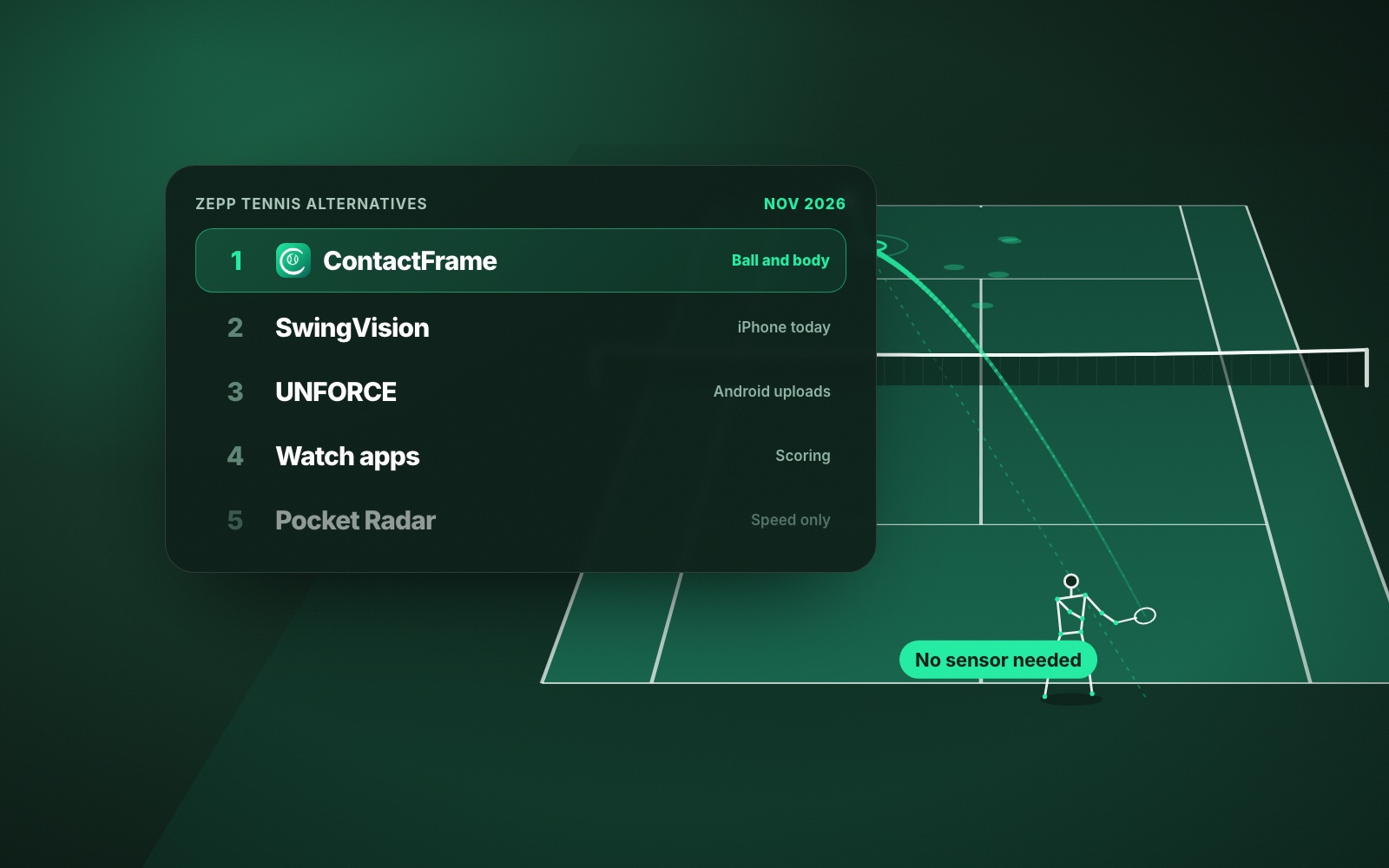
If you also had a Zepp sensor, see Zepp Tennis alternatives. Babolat owners can read Babolat Play alternatives.
Why racket sensors gave way to phone video
Every major-brand racket sensor of that era is now discontinued, and we found none on sale in November 2026. The limit was built in: a sensor in the handle knows how the racket moved, and can estimate what the ball did at contact, but it never sees the ball land. It cannot tell you whether a shot went in, how deep it went or where your serves are going.
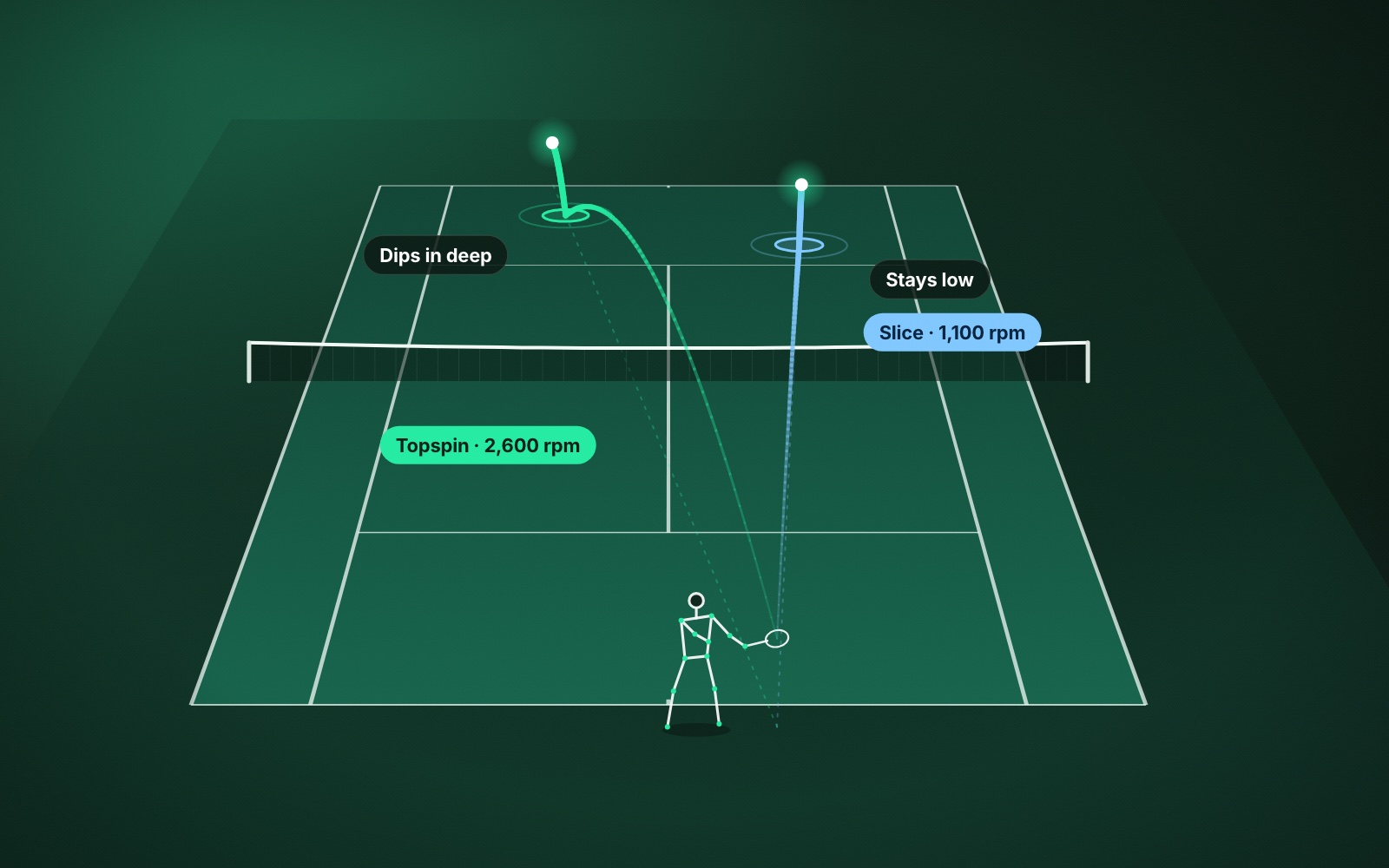
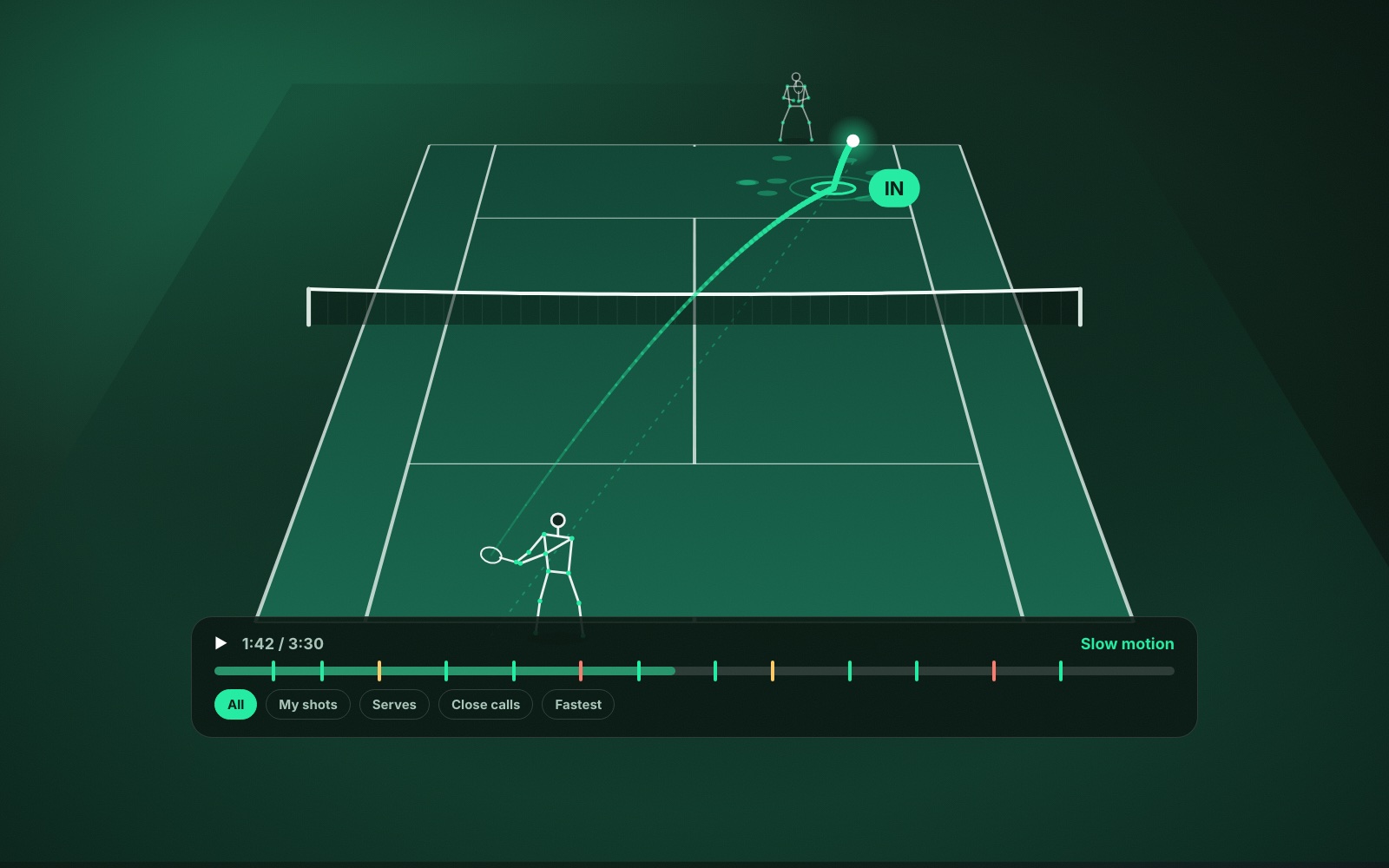
A phone on a tripod behind the baseline sees the whole court. It can measure the ball’s speed and spin, mark where every shot bounced, call it in, out or close, and track how you moved. To learn what spin numbers mean once you have them, read tennis spin explained.
The honest trade-off: you need a tripod and a few minutes of setup, and a camera cannot tell you where the ball hit your strings.
How we judged the Sony sensor alternatives
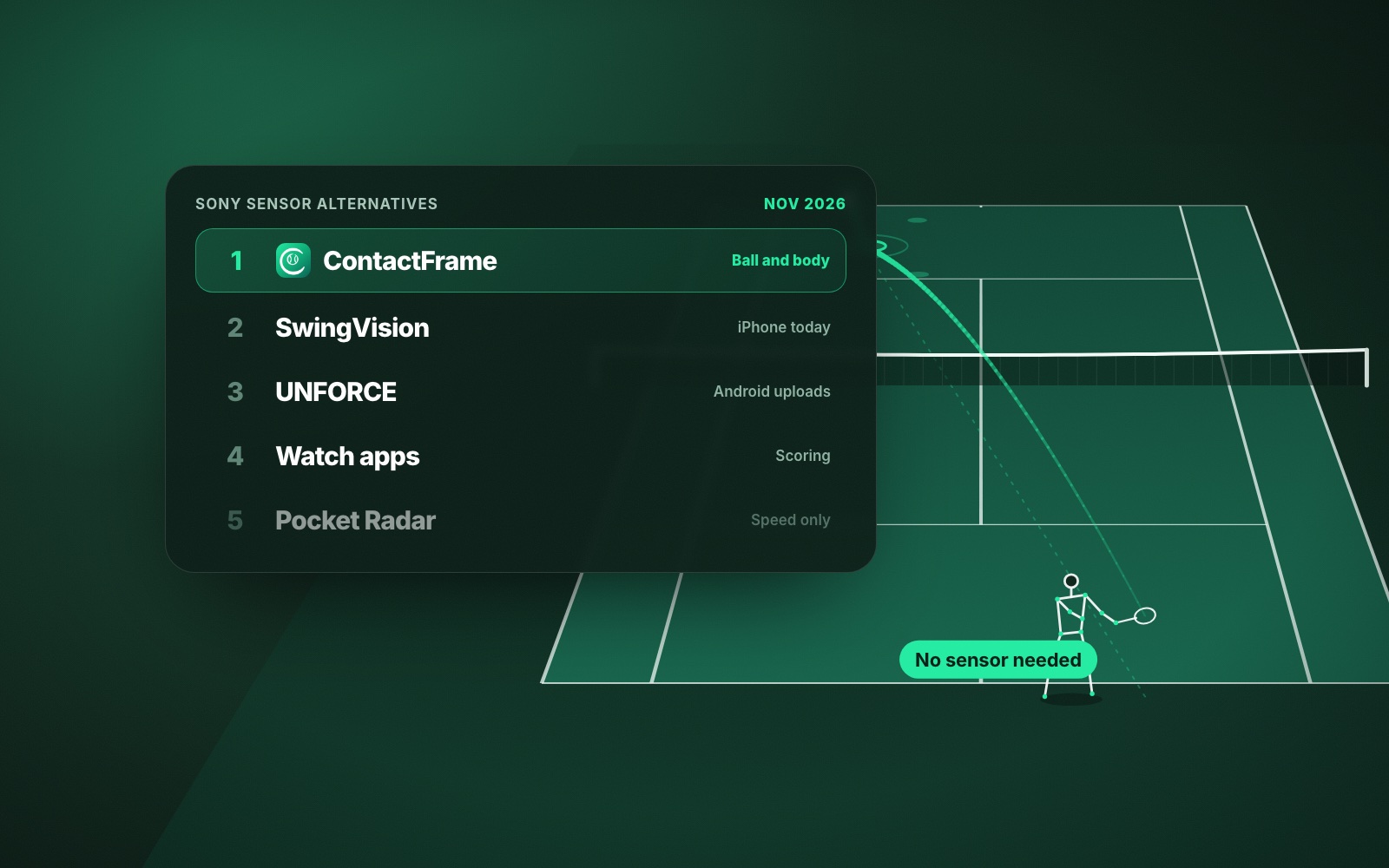
We looked at what you need to buy, what each option measures, the price (GBP where shown), which phones it runs on and whether it is still supported. The shortlist:
- ContactFrame: best overall for club players who want ball and body data from one phone
- SwingVision: best for iPhone and iPad owners today
- UNFORCE: best for Android users who want an uploaded debrief
- Apple Watch tennis apps: best for scoring and activity
- Pocket Radar: best for serve speed alone
1. ContactFrame: best Sony Smart Tennis Sensor replacement
ContactFrame films with one phone on a tripod behind the baseline. It keeps the numbers Sony owners valued (ball speed and spin, by shot type) and adds the ones a sensor never had: where each ball bounced, an in, out or close call, rallies and points, and a shot quality score out of 100 for every shot. Spin in rpm is shown only when the reading is solid; an uncertain speed is marked approximate or left blank.
Serves get their own breakdown: how many went in, serve speed, and where they landed on the deuce and ad sides. Movement tracking shows distance covered and how well you recovered to the middle. On Pro, shot mechanics tracks body points through the swing and gives you one Next fix with a drill.
- Needs: a phone and a tripod.
- Platforms: iOS and Android at launch. ContactFrame is not out yet; there is a waitlist.
- Price (Nov 2026): Free £0 with 15 minutes of recording a month; Basic £9.99 a month, unlimited recording; Pro £17.99 a month with shot mechanics.
- Good at: ball and body in one app, playback with the ball track and bounce marks drawn on the video, trends over time.
- Watch out for: small free tier, no Apple Watch app, no racket swing speed or string-bed impact spot, and in/out is for coaching, not official line calling.
2. SwingVision: best for iPhone and iPad owners today
SwingVision films from an iPhone or iPad and tracks shots, ball speed, placement, line calls and the score. It is the established option if you want to start this week on Apple devices. More at swing.vision.
- Needs: an iPhone 11 or newer on iOS 18+, or an iPad on iPadOS 18+, and a mount.
- Platforms: Apple only, with an Apple Watch app. No Android app.
- Price (UK App Store, Nov 2026): free tier with 8 recording hours a month; Pro £24.99 a month or £179.99 a year.
- Good at: a free tier far more generous than ours, watch control, scoring and full-court line calls on Pro.
- Watch out for: Apple only. Its plan page lists shot stats and heatmaps for speed, depth and consistency; it does not list spin readings, movement or swing mechanics.
3. UNFORCE: best for Android users now
UNFORCE (formerly AceSense) analyses a session you film on one phone and upload, returning a summary, clips and a debrief you can share with a coach.
- Platforms: Android and web; iOS is not publicly available yet, per its site.
- Price (official site, Nov 2026): Pro €19 a month or €190 a year, 20 analyses a month.
- Good at: works on Android today.
- Watch out for: euro pricing; its homepage did not confirm speed or line-calling features.
4. Apple Watch tennis apps: best for scoring and activity
TennisKeeper uses an Apple Watch to count shots and record swing path, steps, distance and heart rate. Ballboy and Tennis Scoreboard keep score from the watch.
- Price (US store and official sites, Nov 2026): TennisKeeper free with add-ons (Pro Edition US$4.99 one-off); Ballboy free for 6 watch-tracked matches, then US$9.99 a year or US$24.99 lifetime; Tennis Scoreboard free with a US$9.99 upgrade.
- Good at: cheap, nothing to set up on court.
- Watch out for: no ball placement, in/out or video.
5. Pocket Radar: best for serve speed alone
If ball speed was the Sony number you checked most, a handheld radar measures it directly. Compare the options in our serve speed radar guide.
- Price (official US site, Nov 2026): Smart Coach US$399.99; Ball Coach US$299.99.
- Good at: built for one job.
- Watch out for: speed only. No placement, spin or in/out.
How to choose a Sony or HEAD sensor alternative
- Want speed and spin by shot, plus where it landed? A video app.
- Want a session log and the score? A watch app.
- Want serve speed only? A radar.
Verdict
The Sony and HEAD sensors were clever, but they sat on the racket and never saw the ball land. For most club players the best replacement is phone video, and ContactFrame is our pick because it measures speed, spin, placement, movement and swing mechanics in one app on iOS and Android, priced in pounds. It is launching soon, so join the list for The Lab. If you need something this week and own an iPhone, use SwingVision meanwhile.
Common questions
Does the Sony Smart Tennis Sensor still work?
Sony ended the app’s server synchronisation: the Android app’s update of 26 November 2020 says so, and Sony’s support page carries a product alert about it. We could not confirm whether the sensor still records anything locally.
Is the HEAD Tennis Sensor still supported?
No. AppBrain reports the HEAD Tennis Sensor app was removed from Google Play on 13 September 2021, and its last update was in July 2019. A Tennis Warehouse forum admin says it is not supported by HEAD or Zepp.
What measured ball speed like the Sony sensor?
A phone video app such as ContactFrame or SwingVision measures ball speed from the footage, and also shows where the ball landed. A handheld radar measures speed alone.
Can I still use my racket with the Sony sensor adapter?
The racket plays normally with or without the sensor. You simply will not get synced data from Sony’s service any more.
Is there a new racket sensor I can buy instead?
We found no major-brand racket or wrist tennis sensor on sale in November 2026. The live options now are phone video, smartwatch apps and radars.
No sensor. Just the ball and you.
ContactFrame measures every shot from one phone. It is coming to iOS and Android.
See The Lab